X 0 · Y 0

Home / Apps / PdfCraft

PdfCraft: a free PDF workbench that reads and edits PDFs

PdfCraft is the PDF reader and editor in the ArtCraft family — free, open source, and built around the Adobe Acrobat workflow of an All tools panel, page thumbnails and a command palette. The current release is 0.8.0 (Oct 14, 2026), for Mac, Windows, Linux and FreeBSD, with the same engine compiled for the browser. Our own runs below are on the 0.7.1 build we tested on Oct 14 and 15, 2026.

Version0.8.0
StatusEarly alpha
Runs onMac, Windows, Linux, FreeBSD, browser
PriceFree
Facts checked Oct 15, 2026X — Y —

What it looks like

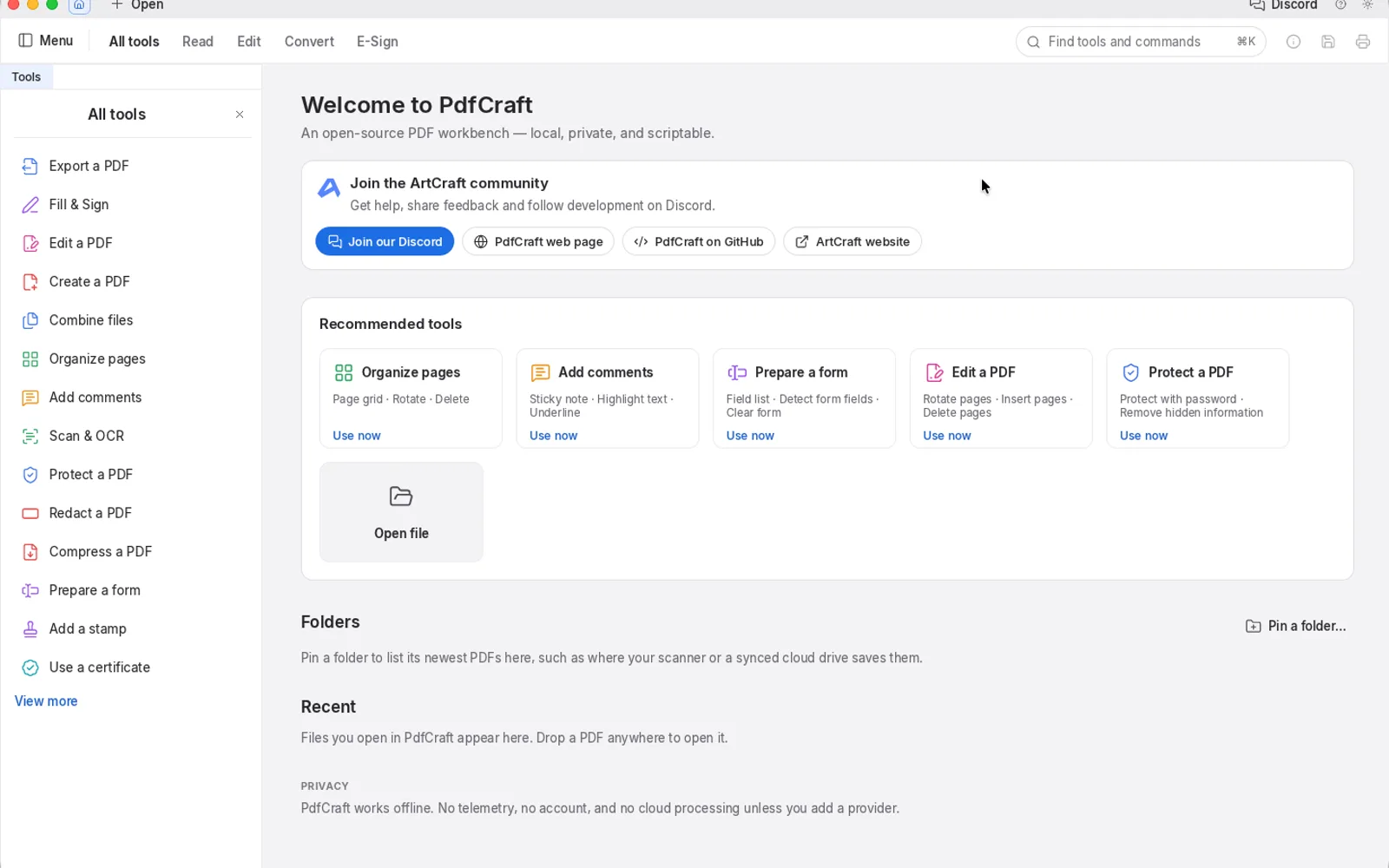
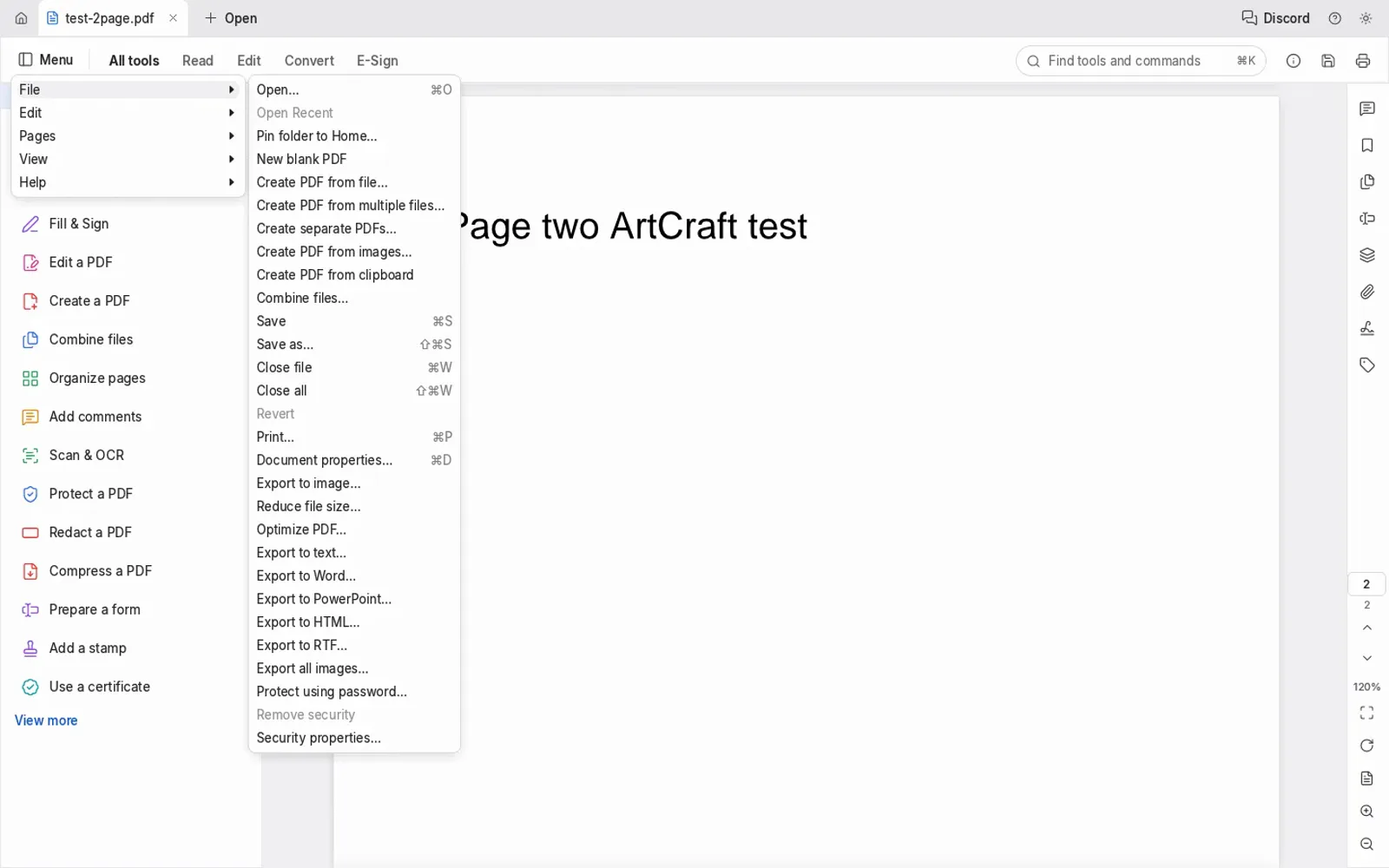
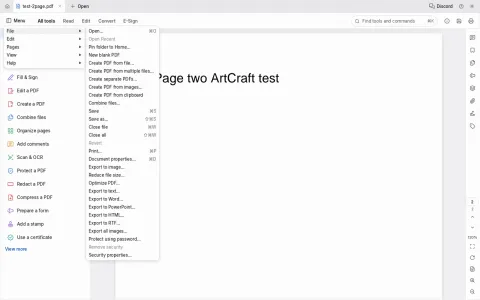
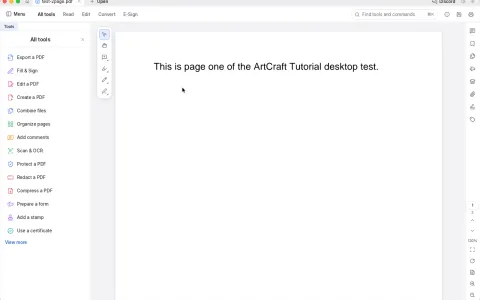
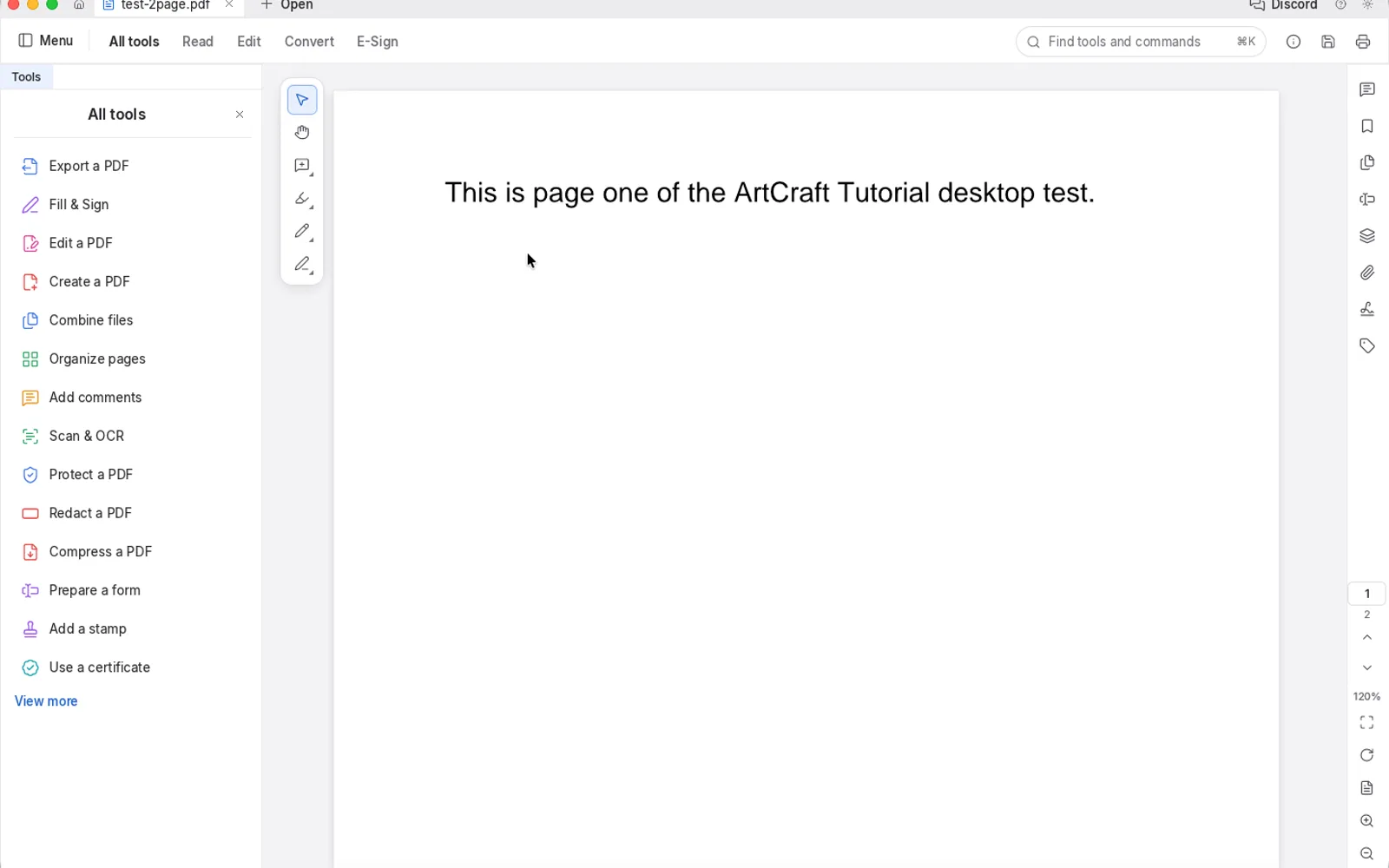
Three screenshots we took: the Mac app with our two-page test PDF open, its welcome screen, and the browser build showing page two. Hover to zoom.

test-2page.pdf — PdfCraft 0.7.1Mac and web
PdfCraft 0.7.1 on macOS with a two-page test PDF open on page one and two page thumbnails on the right PdfCraft 0.7.1 welcome screen with recommended tools, a Folders area and a Recent list PdfCraft 0.7.1 browser build showing page two of the test PDF with the File menu open 1
Screenshots by ArtCraft Tutorial · PdfCraft 0.7.1 · macOS and web · Oct 14–15, 20261 / 3

What we tried, and what happened

In the browser build (Oct 14, 2026)

  • ✓Opened our own two-page test PDF and paged forward: page two read Page two ArtCraft test with the counter on 2. Because our script cannot click through a system file dialog, we dropped the file into the page instead.PdfCraft browser build showing page two of the test PDF
  • ✓Saved a reduced copy. The toast said 8% smaller, and the file we got back began with %PDF-1.5 and still contained both pages.
  • ◐Clicking Open never raised a file chooser our script could attach to — three tries, three no filechooser lines.
  • ◐First screen took 3445 ms.

On a Mac (Oct 14 and 15, 2026)

  • ✓Opened the same two-page test PDF in the Mac app on Oct 15, this time through the keyboard path in the system open dialog: the document rendered with both thumbnails.PdfCraft on macOS with the two-page test PDF open
  • ✓Switched the interface language to English in Preferences (Cmd-comma) on Oct 14; the whole menu bar and tool list followed.
  • ◐We haven't finished a desktop save or export test yet.

Screenshots by ArtCraft Tutorial · PdfCraft 0.7.1 · Oct 14–15, 2026

What ArtCraft says it can do

From PdfCraft's own README — ArtCraft's claims, not our test results:

  • Built to survive bad files. Every page renders in isolation and damaged documents are repaired; across a 983-file test corpus the README reports 0 crashes. Not tested by us yet.
  • Deep zoom stays sharp. Large pages render in tiles, so text stays crisp at any magnification. Not tested by us yet.
  • Organise, combine and split. Rotate, delete, insert blank pages or pages from another file, reorder, then undo and save. Not tested by us yet.
  • Privacy by design. Documents never leave your machine: no account, no telemetry and no cloud processing. Consistent with what we saw.
  • Agent-ready. A pdfcraft-cli tool and an opt-in MCP server cover inspecting, rendering, text extraction, editing and splitting. Not tested by us yet.

If you're coming from Acrobat

Acrobat habits we checked
You want to…In AcrobatIn PdfCraft
Find a toolTools panel, searchAn All tools panel plus a ⌘K palette that finds any tool or command — we opened both
Jump between pagesPage thumbnailsThe same thumbnails down the right side, with a page counter — we paged forward
Shrink a fileCompress PDFReduce file size… in the File menu; our saved copy came out smaller
Turn pages into imagesExport PDF › ImageExport to image… in the File menu (README) — we saved the PDF, not images
Fill in a formFill & SignFill & Sign and Prepare a form in the tool list (README)
Lock a documentProtect with passwordProtect using password… and Remove security in the File menu (README)

How to get it

PdfCraft is free and needs no account. Release 0.8.0 published 28 files; these are the four most people want.

PdfCraft 0.8.0 — the four main filesOct 14, 2026
Your computerFileSize
Mac (Apple silicon and Intel)pdfcraft-0.8.0-macos-universal.dmg89.6 MB
Windows 10/11, 64-bitpdfcraft-0.8.0-windows-x64.msi68.0 MB
Linux, x86-64pdfcraft-0.8.0-linux-x86_64.AppImage77.2 MB
Prefer the browserpdfcraft-web-0.8.0.zip (you host it)13.5 MB

The same release carries .deb, .rpm, Flatpak and tarballs for x86-64 and aarch64, RISC-V packages, a FreeBSD tarball and command-line builds for macOS and Linux, with a SHA256SUMS.txt beside them — our download guide explains how to check the hash.

Open the PdfCraft releases on GitHub →

What we haven't tested yet

  • Exporting to images. Our save produced the reduced PDF, not a PNG or JPEG, so we have not seen the image-export settings.
  • Editing existing text, OCR and forms. All three are advertised and all three are untested by us.
  • Passwords, redaction and signatures. We never opened a protected file.
  • Big or damaged documents. Our test file has two pages of plain text; nothing harder went through it.

Common questions

Q1Is PdfCraft free?
Yes. It is open source, with no account, no subscription and no cloud step.
Q2What licence is PdfCraft under?
Its README says MIT OR Apache-2.0 and GitHub's repository API lists Apache-2.0 — a permissive open-source licence either way.
Q3Where is PdfCraft on GitHub?
At github.com/storytold/pdfcraft, with 14,232 stars when we checked on Oct 15, 2026.
Q4Does PdfCraft run on Windows or Linux?
Yes, and the release includes a browser build you host yourself. Windows: MSI or portable zip, x64 and ARM64. Linux: AppImage, deb, rpm, Flatpak and tarball.
Q5Do my PDFs get uploaded anywhere?
No. It is a local program: its welcome screen says it works offline, with no telemetry, no account and no cloud processing unless you add a provider. Its MCP server is opt-in.

Related guides

The documents either side of PdfCraft: What is ArtCraft? explains the studio and the thirteen apps, and WordCraft is the word processor in the same family.