X 0 · Y 0

Home / Apps / DeckCraft

DeckCraft: a free slide maker that works like PowerPoint

DeckCraft is the presentation app in the ArtCraft family — free, open source, and written from scratch in Rust. Its README calls it a clean-room reimplementation of Microsoft PowerPoint. The latest version is 0.7.0 (Oct 14, 2026); the build we tested was 0.6.1.

Version0.7.0
StatusAlpha
Runs onMac, Windows, Linux, browser
PriceFree
Facts checked Oct 15, 2026X — Y —

What it looks like

The sample deck that ships with the app, then two shots from our own Mac session. Hover to zoom in.

DeckCraft 0.6.1 — Northern LightsBrowser build
DeckCraft browser build showing slide 2 of the Northern Lights sample deck with typed text and section thumbnails DeckCraft for Mac with a new blank presentation and title placeholders DeckCraft for Mac with our own words typed into the title placeholder 1
Screenshots by ArtCraft Tutorial · DeckCraft 0.6.1 · web (1) and macOS (2, 3) · Oct 14, 20261 / 3

What we tried, and what happened

In the browser build (0.6.1, Oct 14, 2026)

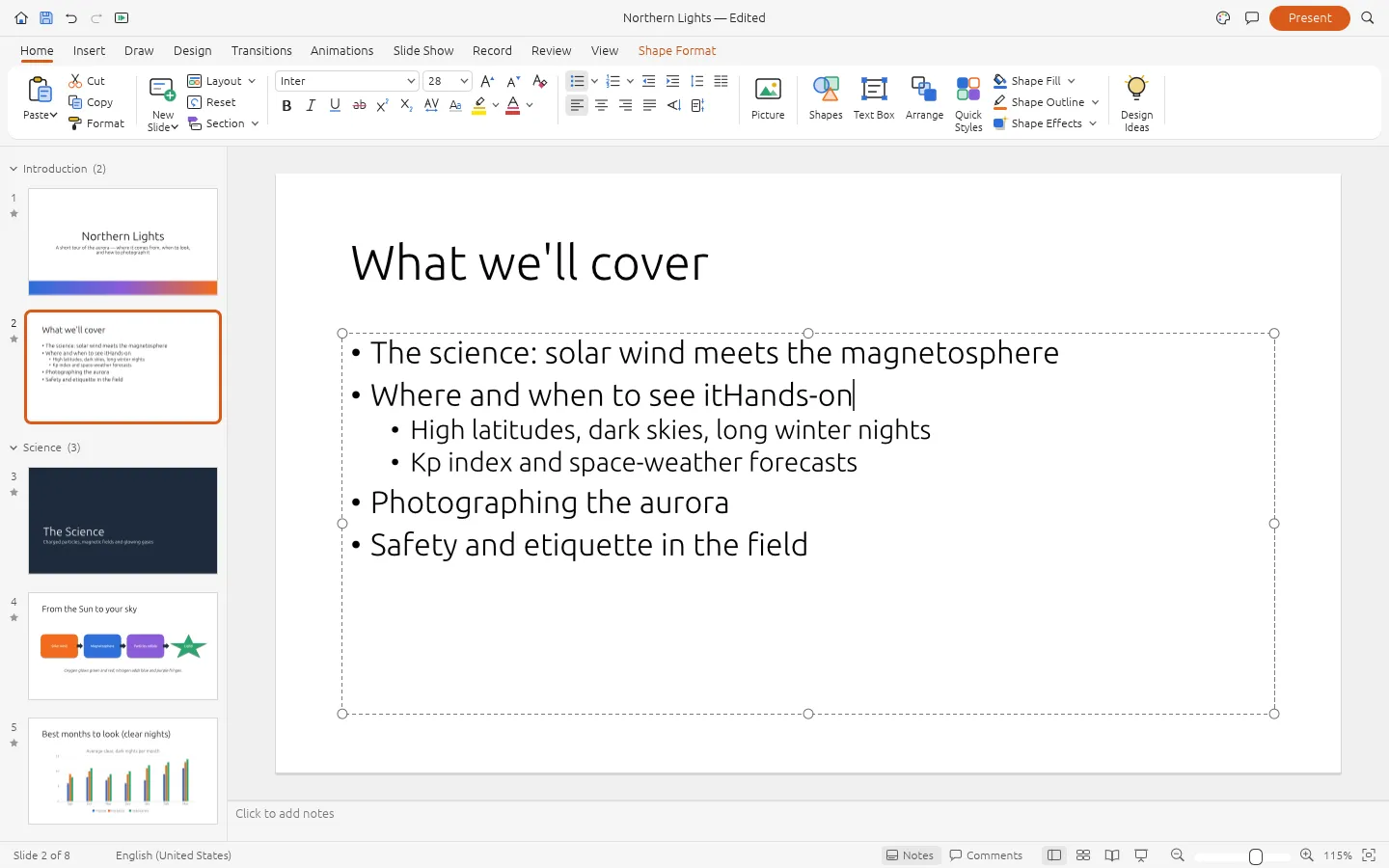
  • ✓Opened the deck the app ships with — Northern Lights, eight slides, with sections, notes and slide thumbnails all in place — and moved to slide 2.DeckCraft browser build on slide 2 of the Northern Lights sample deck
  • ✓Clicked into the text box and typed our own words at the caret; the slide title changed to Northern Lights — Edited, so the edit was registered on the document.
  • ✓Pressed Ctrl+S and the browser saved a project file, Northern Lights.deckcraft — 7.3 KB of ZIP container, which is DeckCraft's own format rather than a PowerPoint file.

On a Mac (0.6.1, Oct 14, 2026)

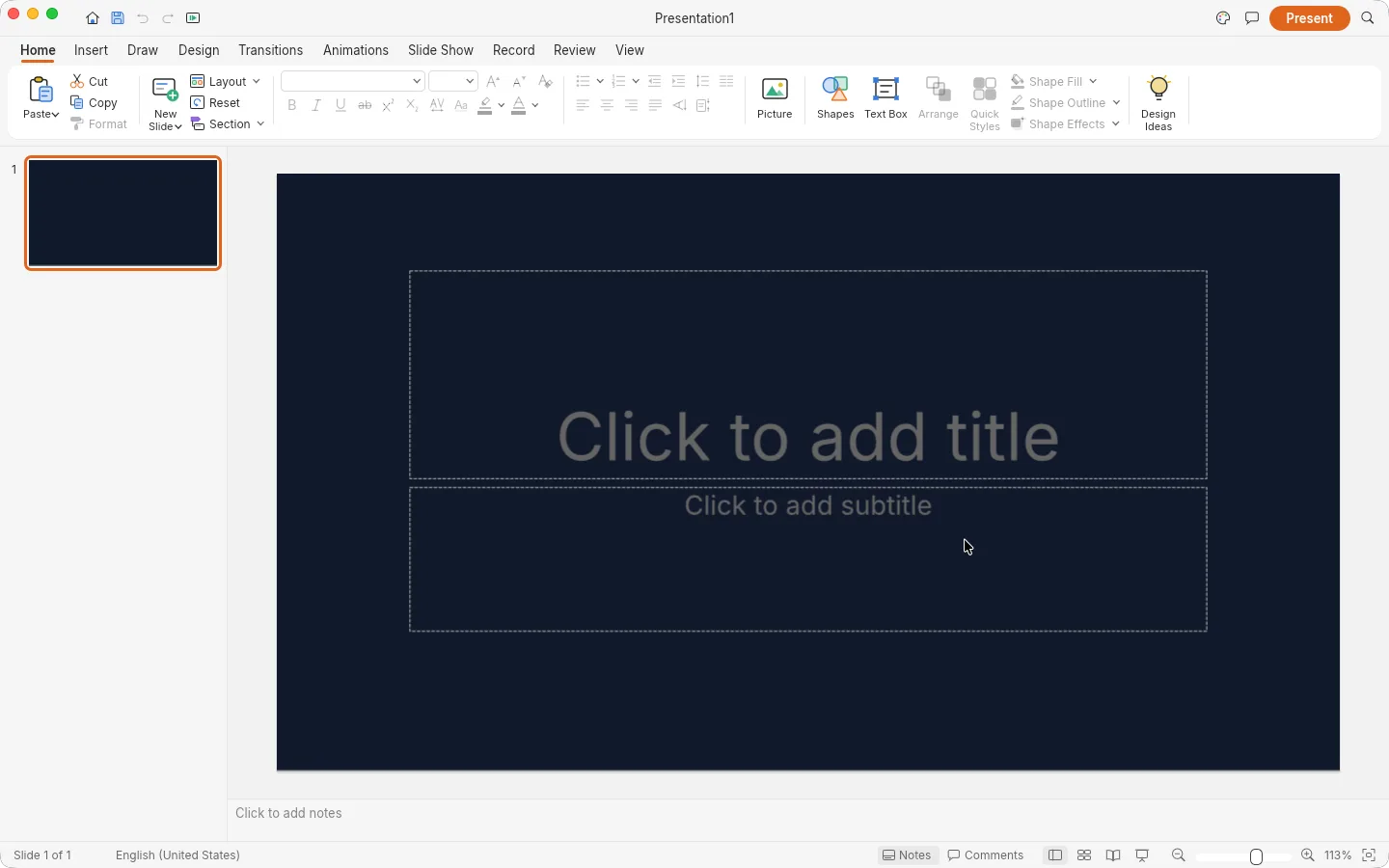
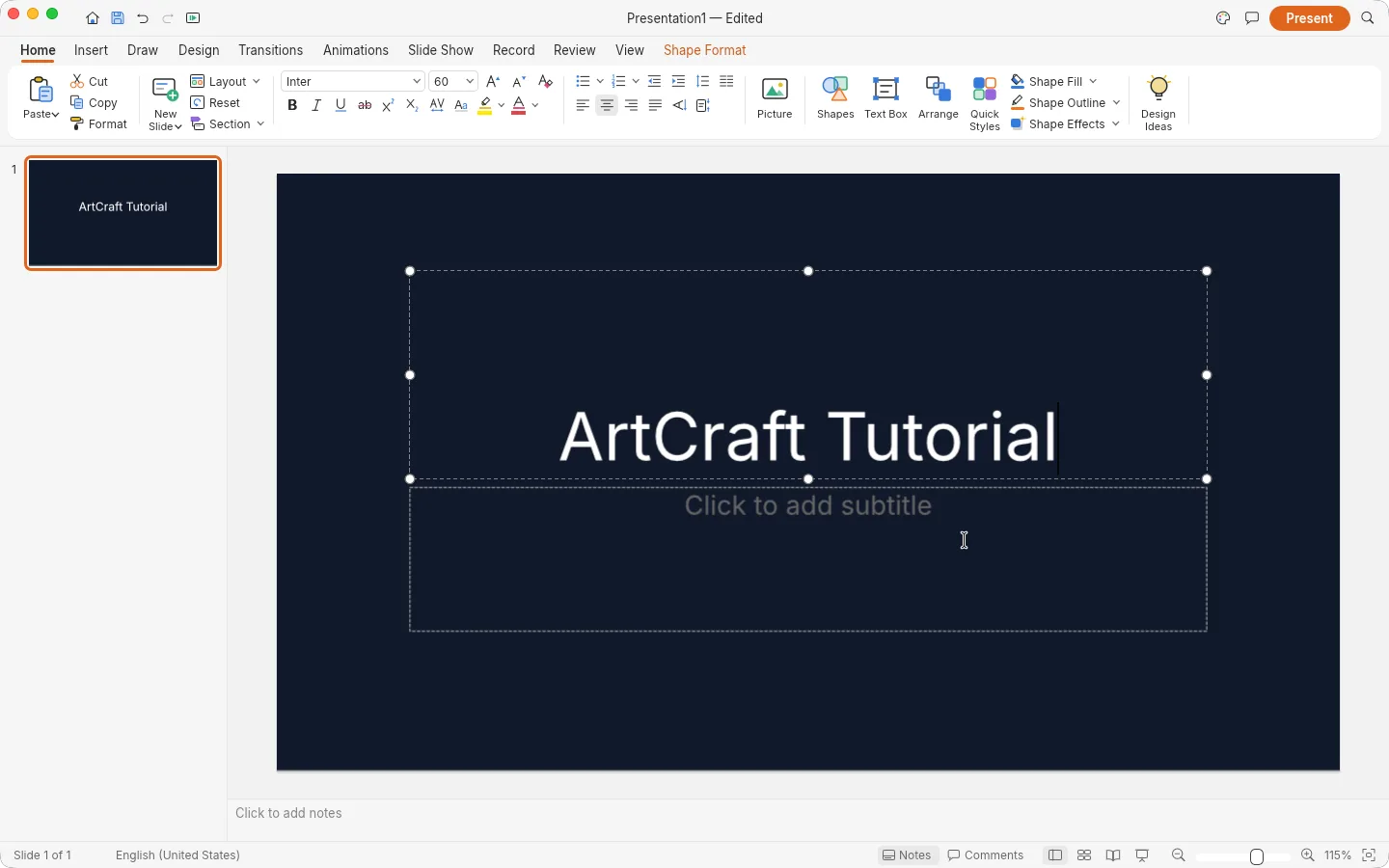
  • ✓Started a new presentation from the theme list and typed our own line into the title placeholder; the text went in and stayed.DeckCraft for Mac with our words typed into the title placeholder
  • ✓The window matched the browser build: ribbon on top, slide list on the left, notes below, a Present button in the corner.
  • ◐⌘S did nothing in our session, and we haven't finished a desktop save or export test yet.

Screenshots by ArtCraft Tutorial · DeckCraft 0.6.1 · Oct 14, 2026

What ArtCraft says it can do

From the DeckCraft README — these are ArtCraft's claims, not our test results:

  • Make decks. “slide masters and eleven layouts with placeholders… eight original themes… sections, notes, comments, headers and footers.” We used a theme, the placeholders, sections and notes; the rest is untested.
  • Draw. “150+ preset shapes with adjust handles, connectors that stay glued to shapes, freeform, curve and scribble tools, merge shapes… gradient, picture and pattern fills”. Not tested by us yet.
  • Present. Transitions including Morph, entrance, emphasis and exit animations, by-paragraph builds, full-screen slide show, presenter view, pen and rehearse timings. We did not enter a slide show at all.
  • Exchange files. “open and save PowerPoint .pptx”, export PDF, PNG/JPEG and an animated GIF, with AutoRecover for unsaved work. Untested by us; the file we saved was DeckCraft's own format.

If you're coming from PowerPoint

PowerPoint habits we saw
You want to…In PowerPointIn DeckCraft (as we saw it)
Write on a slideClick the title placeholder and typeSame placeholders, same idea — we typed into the title on a new deck
Pick a lookDesign tab, theme galleryA theme list when you create the presentation (README counts eight original themes)
Move around a big deckSlide thumbnails and sections on the leftThumbnails with named sections down the left, same as the sample deck shows
Keep speaker notesNotes pane under the slideNotes strip at the foot of the window

Rows marked “README” are ArtCraft's; the rest we did ourselves. Tell us at contact@artcrafttutorial.com if a row behaves differently on your machine.

How to get it

DeckCraft is free and needs no account. Version 0.7.0 landed on GitHub on Oct 14, 2026 with 26 release files; these four cover almost everyone:

Your computerFileSize
Mac (Apple silicon and Intel)deckcraft-0.7.0-macos-universal.dmg77.4 MB
Windows 10/11, 64-bitdeckcraft-0.7.0-windows-x64.msi57.1 MB
Linux x86-64 (AppImage)deckcraft-0.7.0-linux-x86_64.AppImage68.8 MB
Prefer the browserdeckcraft-web-0.7.0.zip9.0 MB

The release ships SHA256SUMS.txt, so the download is checkable. Our download guide covers that step and the Linux ARM, Flatpak, RPM and FreeBSD files we left off the table.

Open the DeckCraft releases on GitHub →

What we haven't tested yet

  • Opening a real PowerPoint file and getting it back out again unchanged — the round trip that decides whether DeckCraft can sit next to an office that runs on PowerPoint.
  • Charts, SmartArt, media and animation, which the README lists but our session never touched.
  • The slide show itself: presenter view, transitions, rehearse timings.

Common questions

Q1Is DeckCraft free?
Yes. No price, no account, no subscription; nothing in our sessions asked us to sign in.
Q2Is DeckCraft open source?
Its GitHub repository is listed under the Apache-2.0 licence, and the README badge reads “MIT OR Apache-2.0”. Read the repository's LICENSE files if you need the exact terms.
Q3Where is DeckCraft on GitHub?
Q4Does DeckCraft run on Windows, on Linux, or in a browser?
All three, and on macOS and FreeBSD too. Windows: MSI and portable builds for x64, ARM64 and 32-bit x86. Linux: AppImage, deb, rpm, Flatpak and tarballs. Browser: a WebAssembly package you host yourself.

Related guides