X 0 · Y 0

Home / PhotoCraft

PhotoCraft: a free image editor that thinks like Photoshop

PhotoCraft is the image editor in the ArtCraft family — free, open source, and written from scratch in Rust. If you know Photoshop, you'll recognise the layout immediately. The latest version is 0.8.2 (Oct 12, 2026), and it's officially an early alpha: usable, but still rough in places.

Version0.8.2
StatusEarly alpha
Runs onMac, Windows, Linux, browser
PriceFree
Facts checked Oct 14, 2026X — Y —

What it looks like

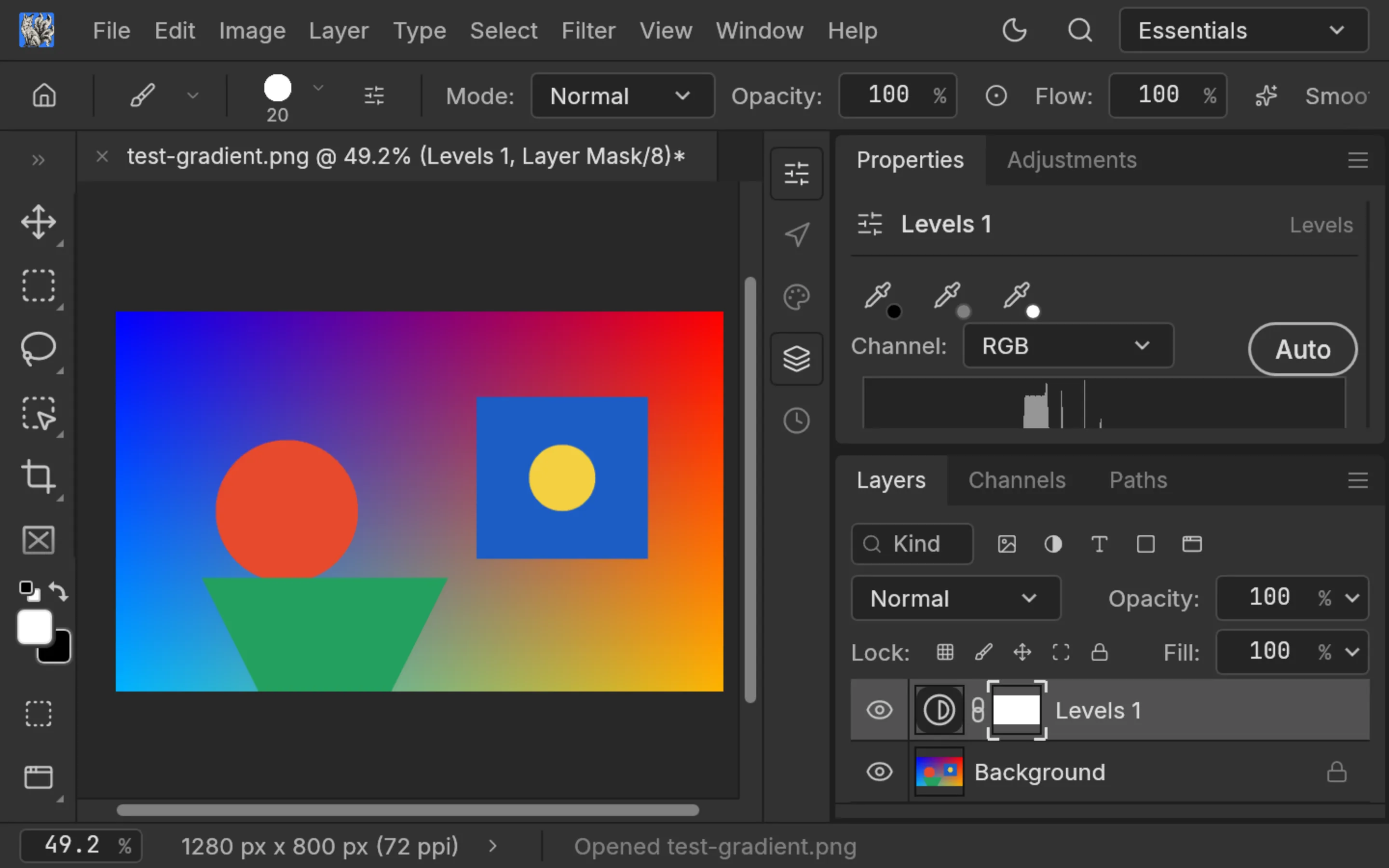
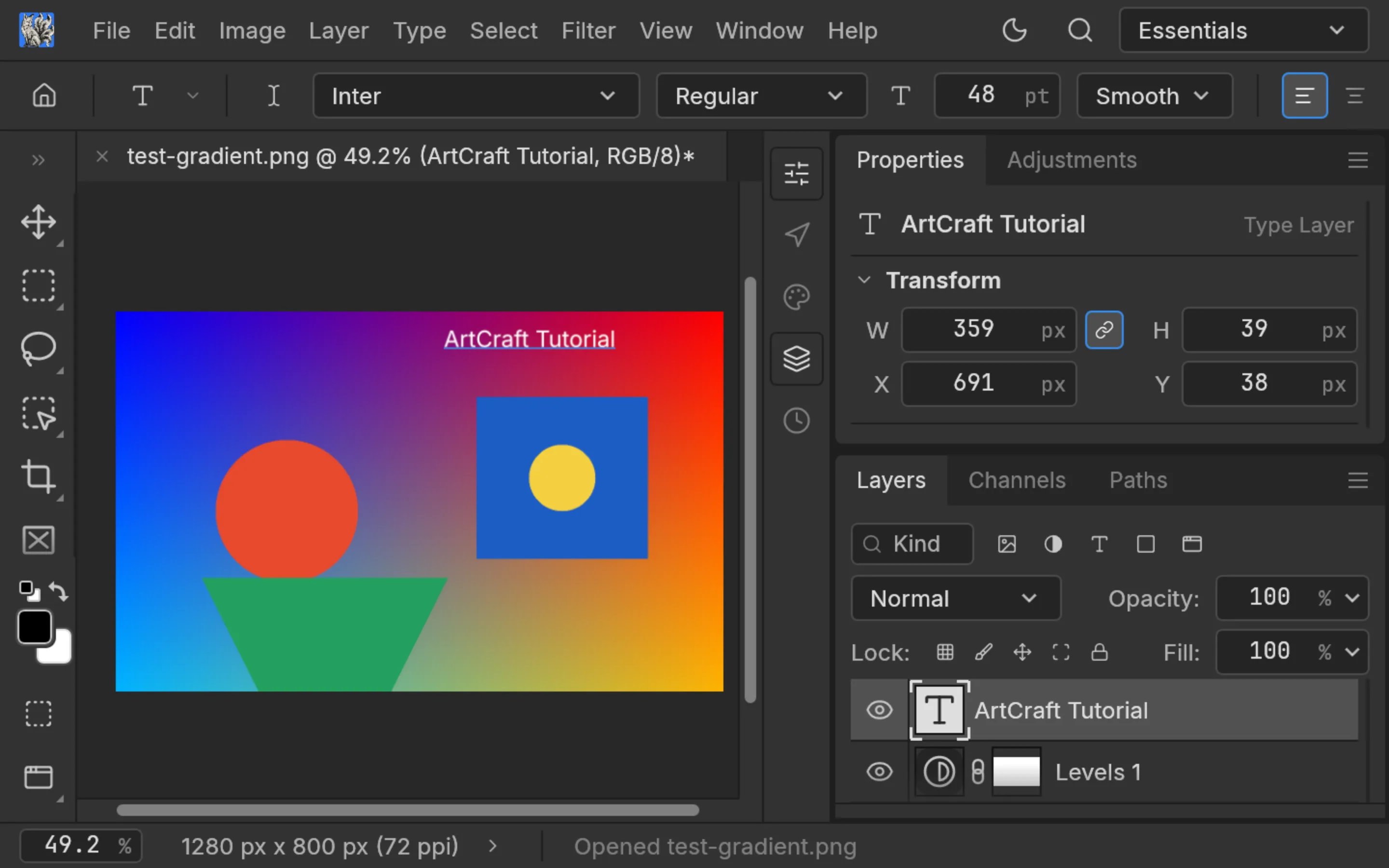
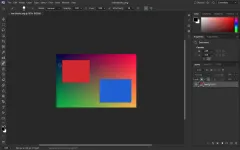
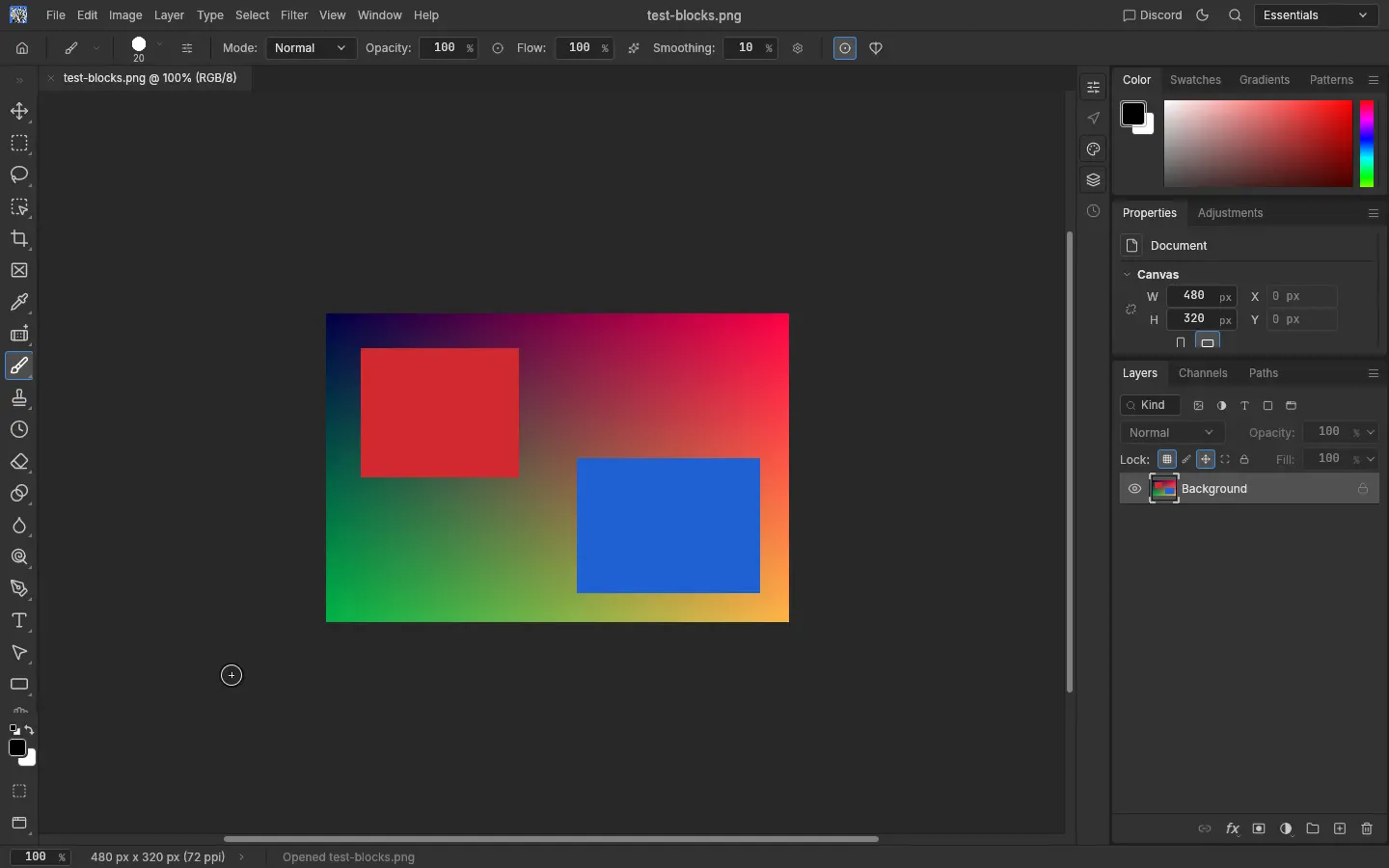
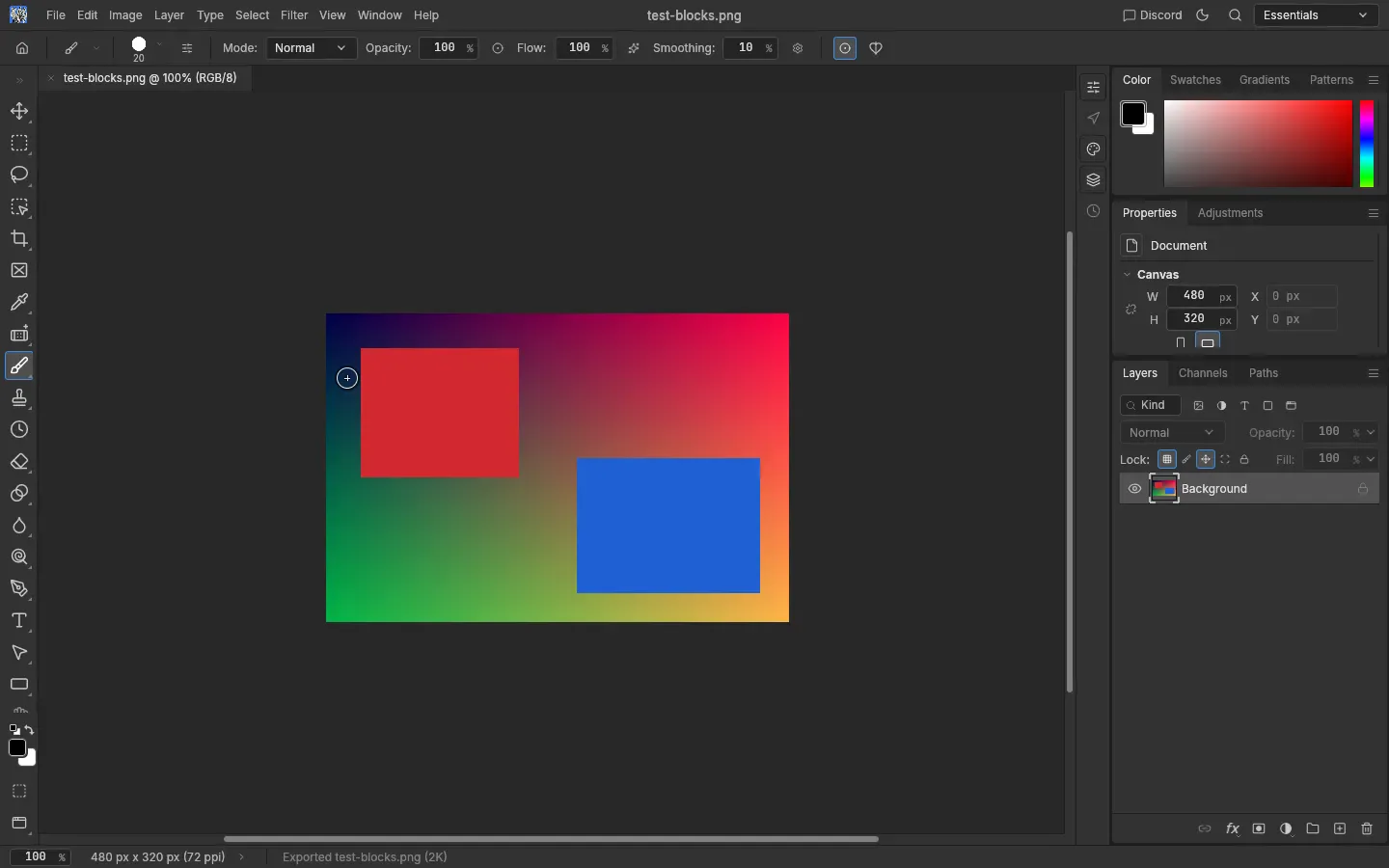
We opened PhotoCraft, loaded a test image we made ourselves, and tried the things Photoshop users reach for first. Hover a screenshot to zoom in.

PhotoCraft 0.8.2 — test imageWeb build
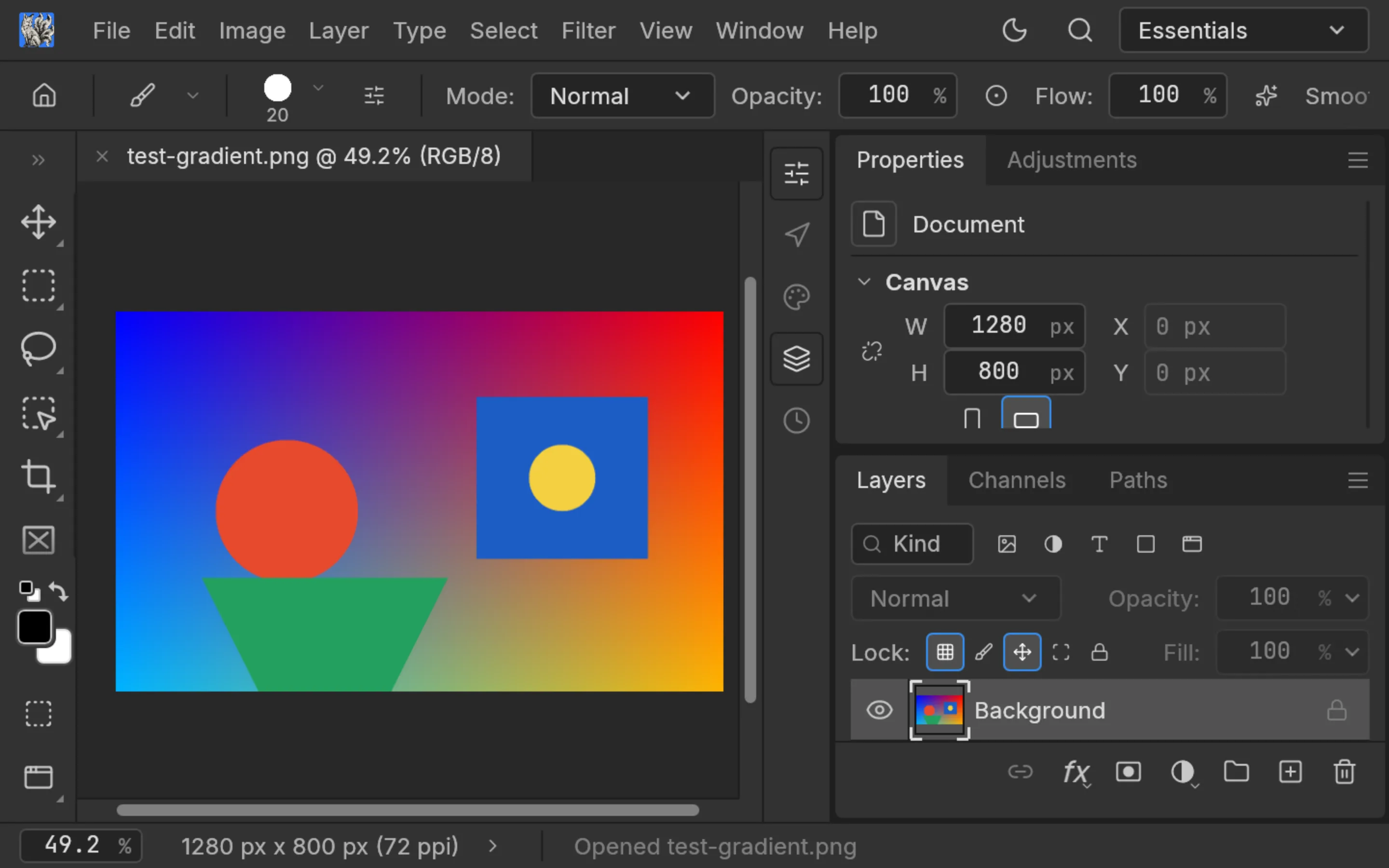
PhotoCraft 0.8.2 layers panel with blend mode, opacity, fill and lock controls PhotoCraft 0.8.2 Levels adjustment layer with a live histogram PhotoCraft 0.8.2 editable text layer from the type tool 1
Screenshots by ArtCraft Tutorial · PhotoCraft 0.8.2 · Oct 14, 2026 · test image drawn by us.1 / 3

What we tried, and what happened

In the browser build (Oct 14, 2026)

  • ✓Opened a PNG and saw it on the canvas with correct dimensions.PhotoCraft browser build with a PNG open on the canvas
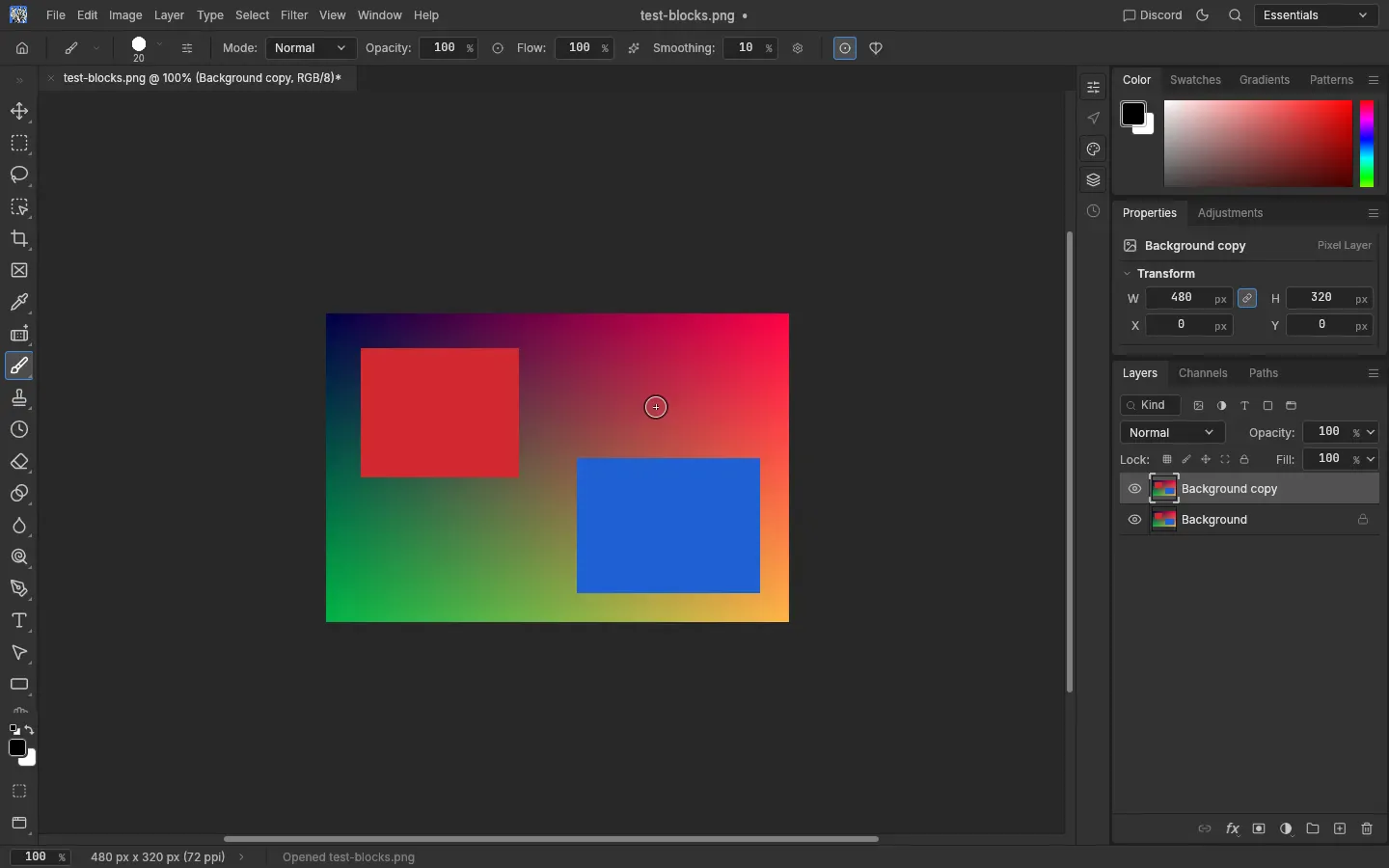
  • ✓Duplicated a layer — the Layers panel showed Background copy above Background.PhotoCraft layers panel showing Background copy above Background
  • ✓Added a Levels adjustment layer and a text layer.
  • ✓Exported a PNG with Quick Export; the file came out at the original size.PhotoCraft Quick Export producing a PNG

On a Mac (Oct 14, 2026)

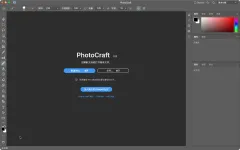
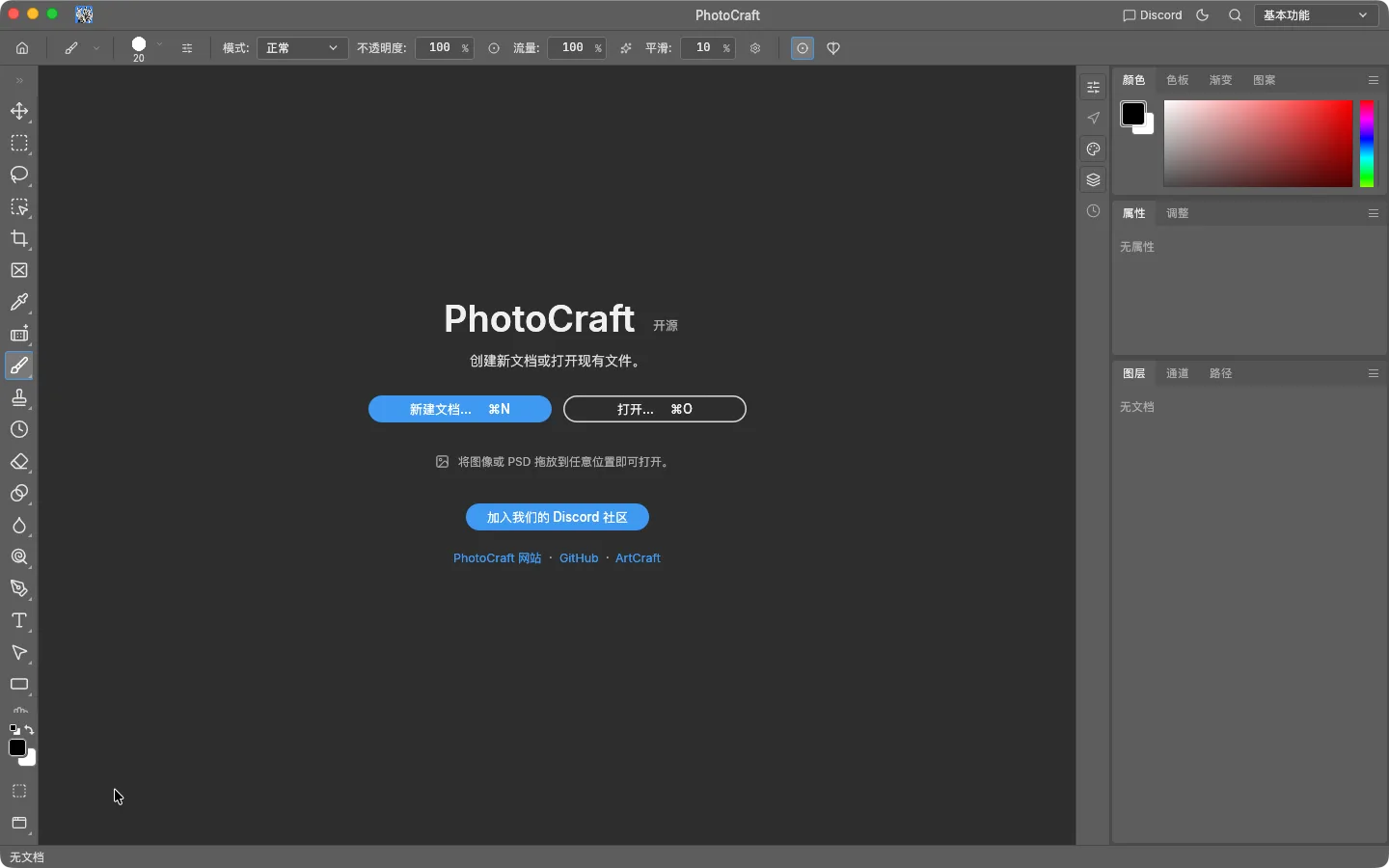
  • ✓Launched the notarized 0.8.2 app from GitHub on macOS 26 (Apple silicon).PhotoCraft 0.8.2 Mac app at launch, menus in Chinese
  • ✓The interface followed the Mac's system language — on our Chinese-language Mac every menu appeared in Chinese, so translations are built in.
  • ◐A full desktop walkthrough (open, layers, type, export) is coming next; our first run was cut short.

Screenshots by ArtCraft Tutorial · PhotoCraft 0.8.2 · Oct 14, 2026

What ArtCraft says it can do

From the official PhotoCraft page — these are ArtCraft's claims, not our test results:

  • Real layered files. Opens and saves layered PSD and PSB files; ArtCraft says 134 of 135 real-world test files round-trip byte for byte. Not tested by us yet.
  • Non-destructive editing. 16 adjustment layers, 70+ live-preview filters, smart objects with smart filters, and layer styles. We've used Levels; the rest is untested.
  • On-device selection. Subject and object selection, plus mask refinement, running on your own machine. Not tested by us yet.
  • Serious color. 8, 16 and 32-bit documents in RGB, CMYK, Lab and Grayscale, with ICC color management and soft proofing. Not tested by us yet.
  • Native GPU canvas. Draws with Metal, Vulkan, DirectX 12 or WebGPU — no Electron, no web view. (Our browser test fell back to WebGL 2 because the test browser had no GPU.)

If you're coming from Photoshop

Photoshop habits we saw
You want to…In PhotoshopIn PhotoCraft (as we saw it)
Work in layersLayers panelLayers panel with Channels and Paths tabs, same controls
Adjust without damaging pixelsLayer › New Adjustment LayerLayer › New Adjustment Layer (Levels shown above)
Add textType tool (T)Type tool, editable type layer
Save a quick PNGFile › Export › Quick ExportQuick Export
Switch workspacesWindow › Workspace"Essentials" workspace menu, top right

We'll add rows as we test more. If something here behaves differently on your machine, tell us at contact@artcrafttutorial.com.

Limits to know before you switch

  • It's an early alpha. Expect missing features and occasional bugs; keep Photoshop around for client work.
  • The website lags behind GitHub. The official PhotoCraft page still lists 0.7.0; the current release is 0.8.2 on GitHub.
  • Fonts, plugins and actions from Photoshop haven't been tested by us — don't count on them yet.

How to get it

PhotoCraft is free. Download it from GitHub releases (current version) or getartcraft.com, which also offers the ArtCraft Launcher — an installer that manages all the Craft apps and their updates. Not sure which of the 26 files to pick? Our download guide names the right one for your computer.

Which installer? →

Common questions

Q1Does PhotoCraft open PSD files?
ArtCraft says yes, including layered PSD and PSB. We haven't tested PSD import ourselves yet; we'll post results when we do.
Q2Is PhotoCraft really free?
Yes. It's open source under the Apache-2.0 license. No account or subscription is needed.
Q3Is the browser version the same as the desktop app?
It's the same editor compiled to WebAssembly, but it's a package you host yourself rather than a website you visit. For everyday use, install the desktop app.
Q4Which version should I download?
The newest on GitHub — 0.8.2 at the time of writing.

Related guides